Appearance
接入Claude
Claude Code 插件
如果您习惯使用VS Code 这类IDE,可以在VS Code中直接使用 Claude Code插件加速您的开发流程。
❶ 在VS Code 中安装Claude Code插件
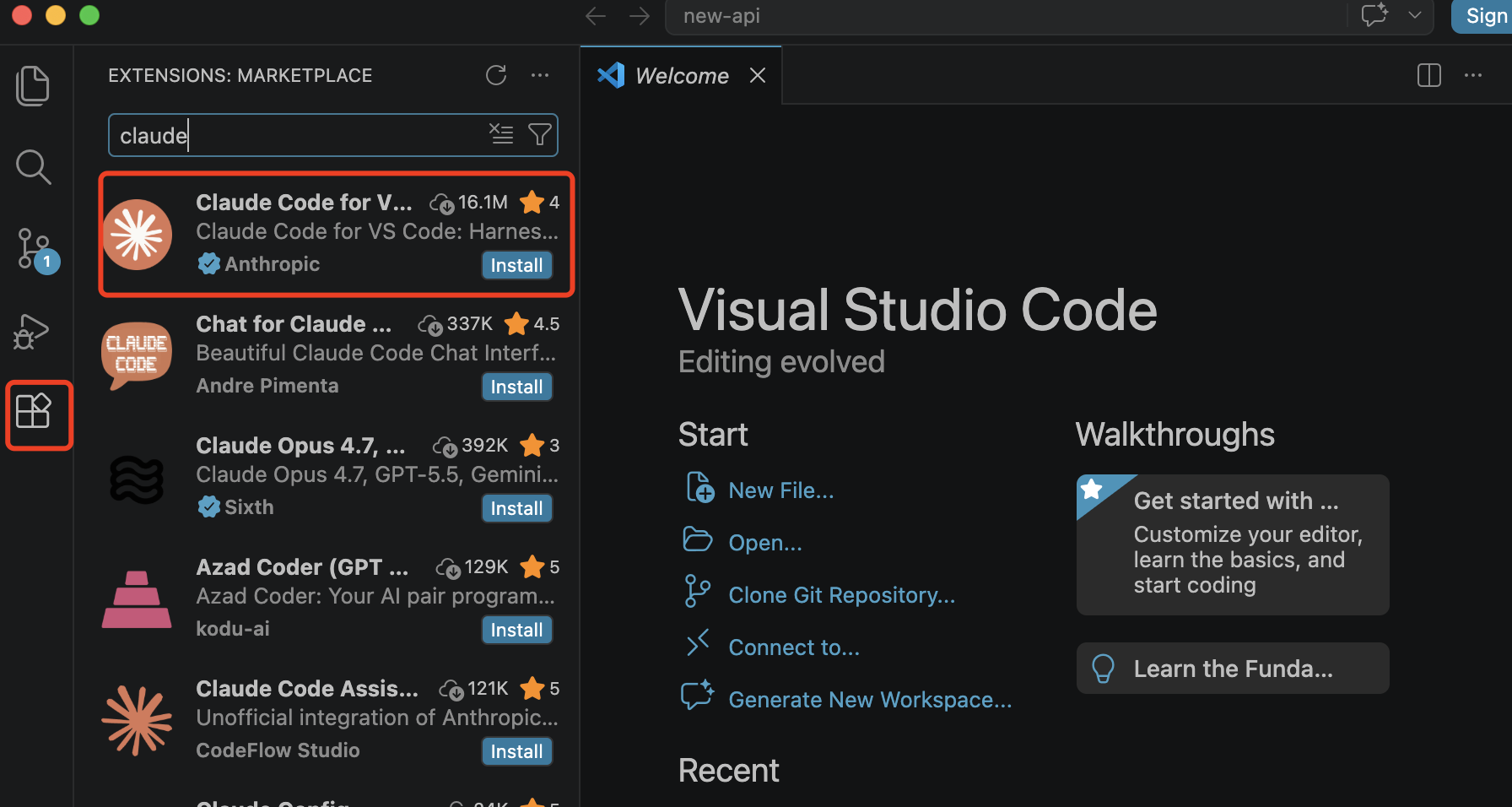
- VS Code 左侧 找到 “Exentensions”
- “Exentensions” 搜索 “claude”,并安装
注意:认准Anthropic官方蓝色认证图标
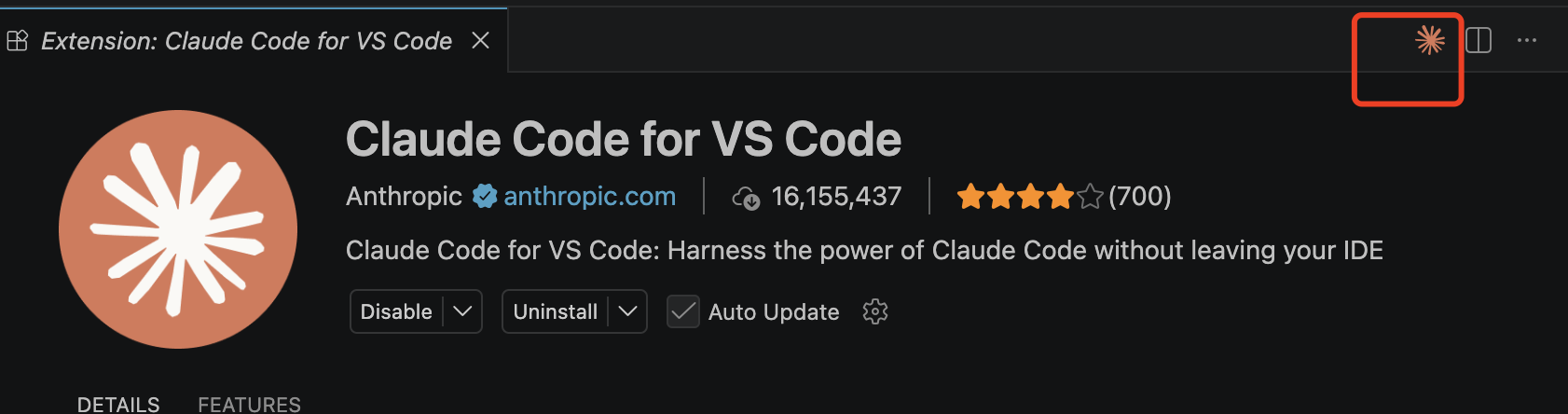
点击Claude 小图标,打开claude code 插件
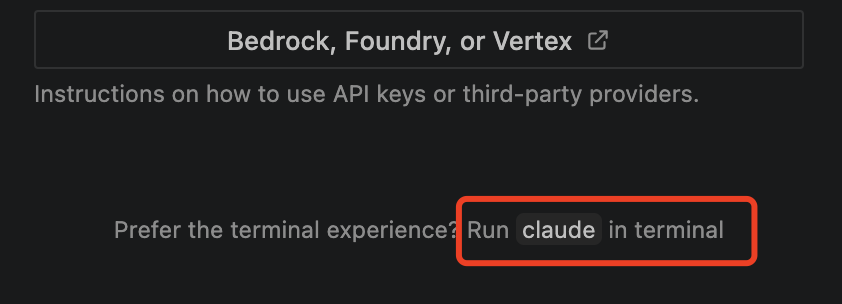
无需任何登录,选择下面的小字,进入插件命令行
或等待几秒钟,会进入UI 界面版本Claude Code
➋ 确认 CC Switch 配置
- 确认在接入准备后,API 密钥已经导入到 CC Switch
- 可以在CC Switch 中测试联通性

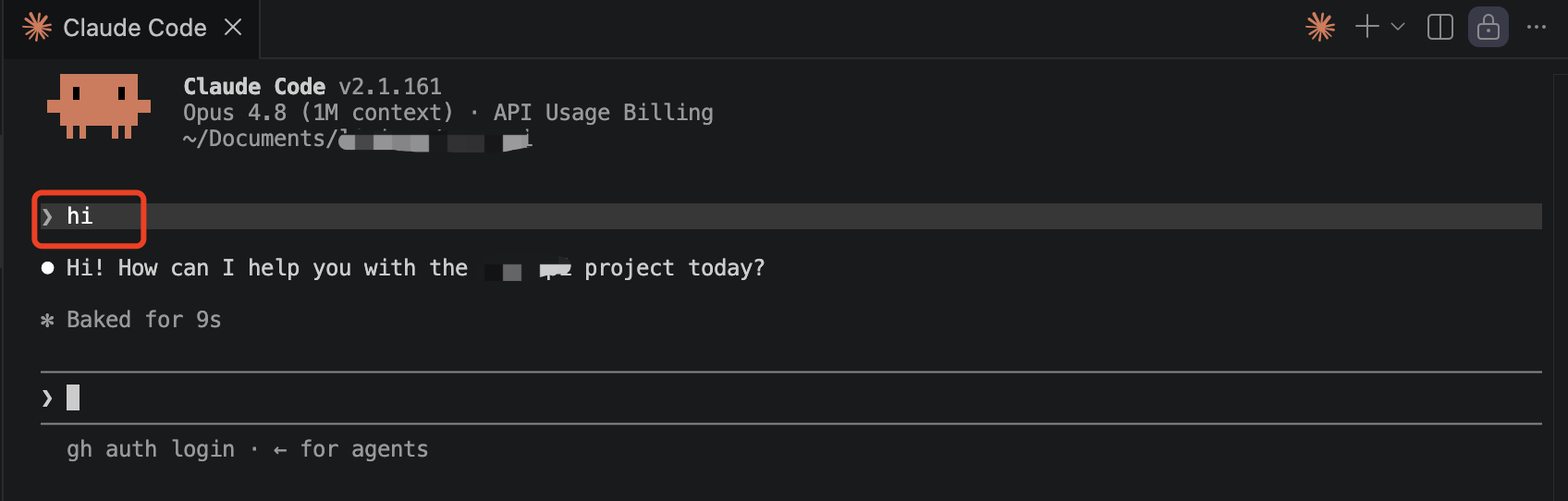
➌ 在VS Code Claude Code 插件中发送测试请求
- 如果之前有使用过其他 CC Switch 配置,需要在终端中重启Claude Code 插件
- 输入hi,开始测试
Claude Code CLI
Claude Code CLI(Command-line interface) 是A社基于命令行界面开发的编程Agent,更适合熟悉命令行终端的用户使用。
❶ 在终端中安装 Claude Code
bash
# 方式一:npm
npm install -g @anthropic-ai/claude-code

# 方式二:PowerShell
irm https://claude.ai/install.ps1 | iex

# 安装完成 查看版本
claude --version
➋ 确认 CC Switch 配置
- 确认在接入准备后,API 密钥已经导入到 CC Switch
- 可以在CC Switch 中测试联通性
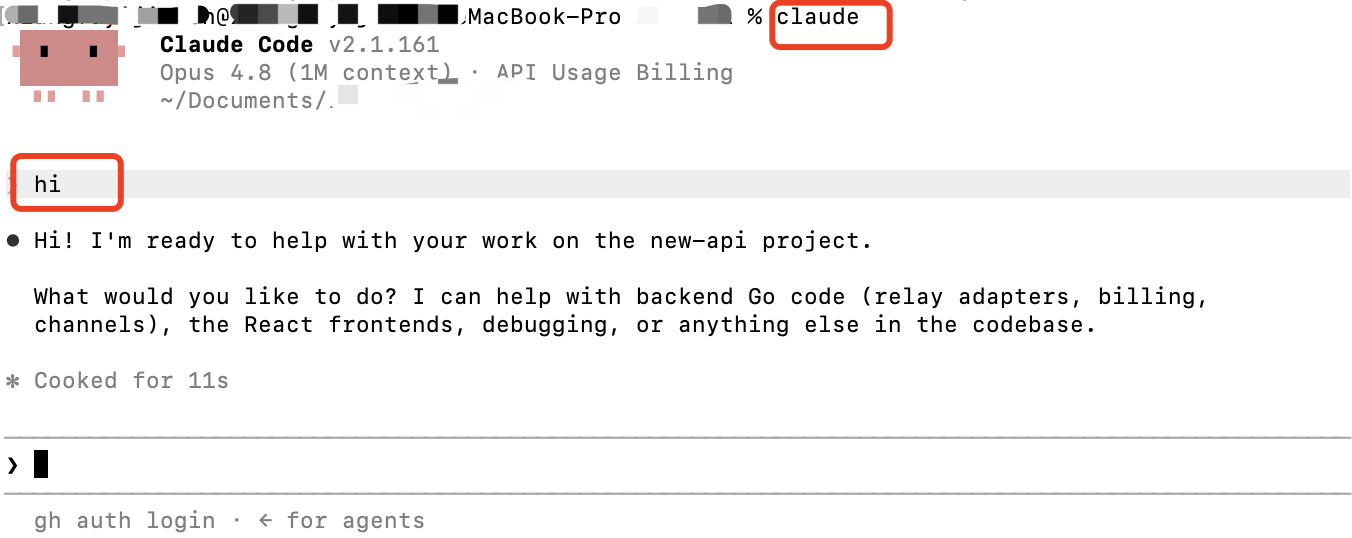
➌ 启动 Claude Code,发送测试请求
- 如果之前有使用过其他 CC Switch 配置,需要在终端中重启Claude Code
- 在您的项目目录中,输入"claude" 启动 Claude Code
- 输入hi,开始测试
Claude Desktop
❶ 安装下载 下载链接
➋ 启用开发者模式
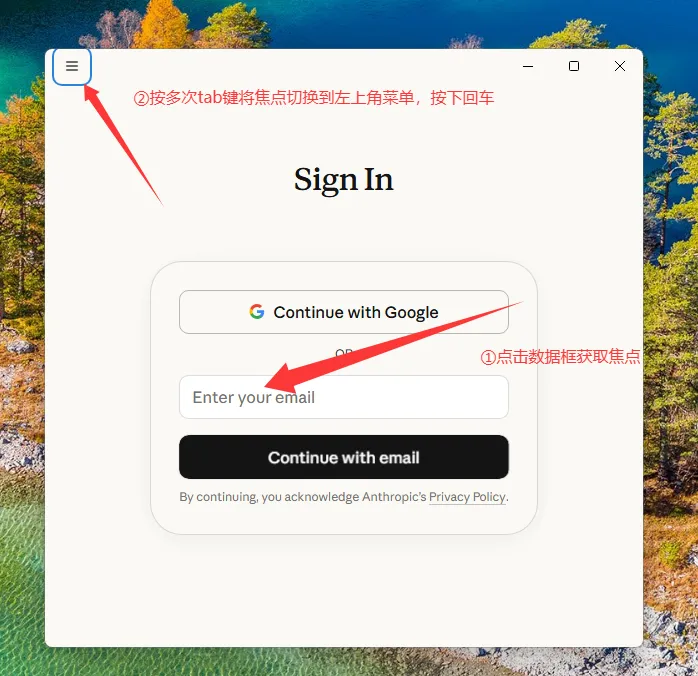
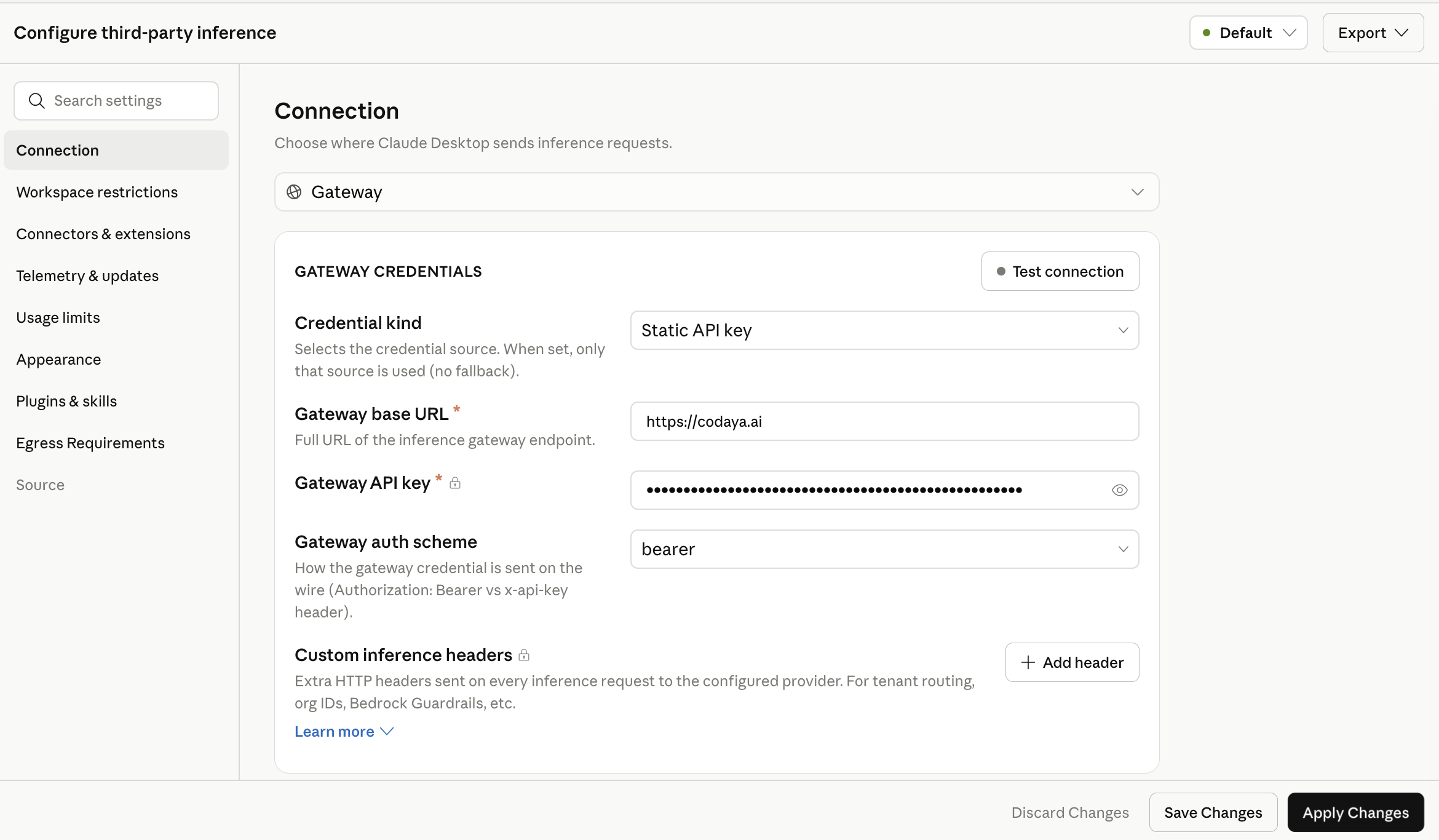
➌ 配置第三方网关
- 登录选择Gateway登录
- Gateway base URL 填写 https://codaya.ai
建议使用Claude 通用版本或auto 分组
- 填入您创建的API 密钥,并保存
- 🎉 可以开始探索Claude 桌面版本啦